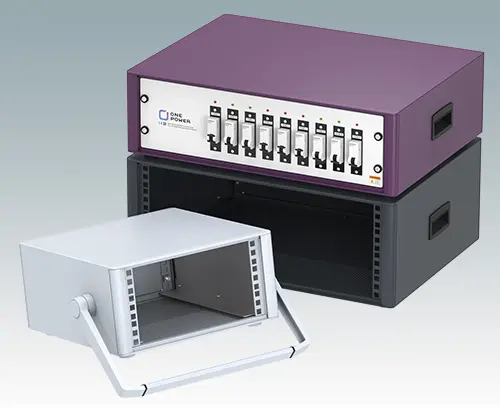
 19" Enclosures
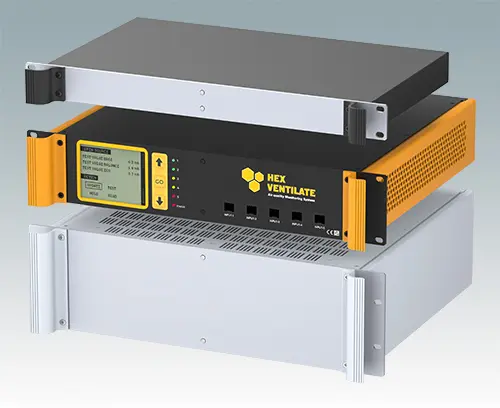
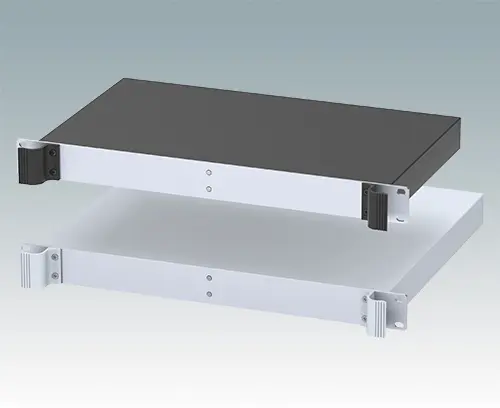
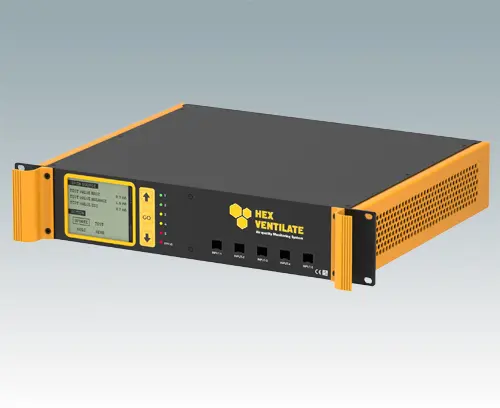
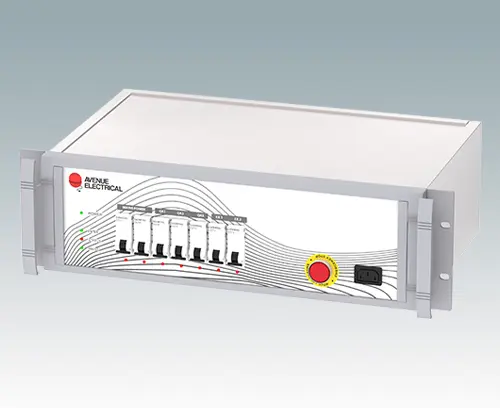
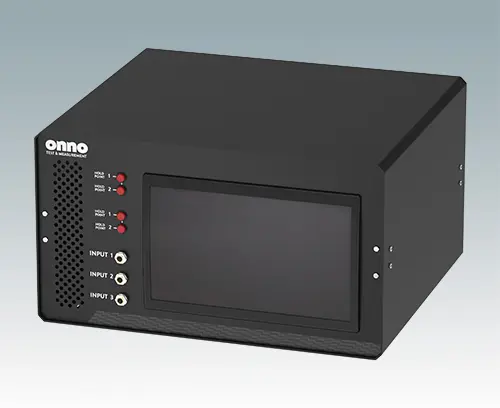

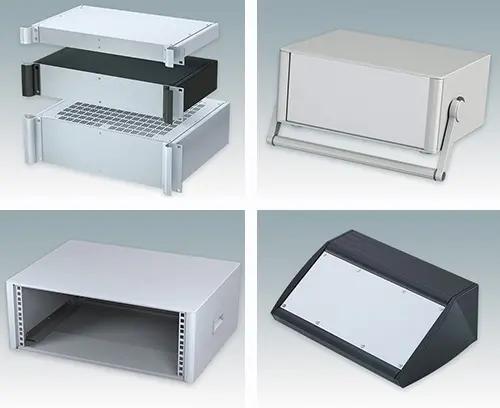
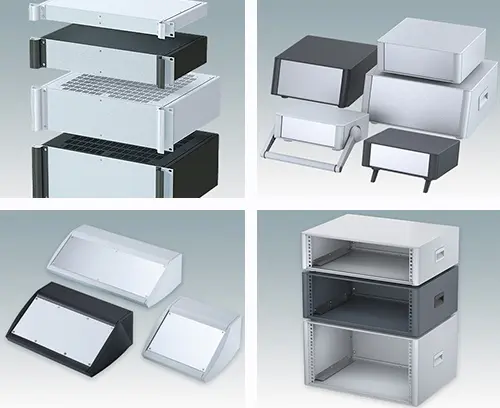
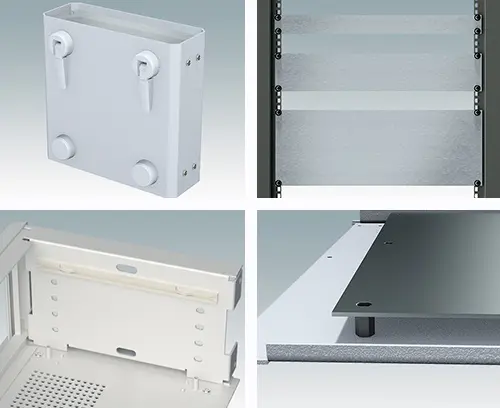
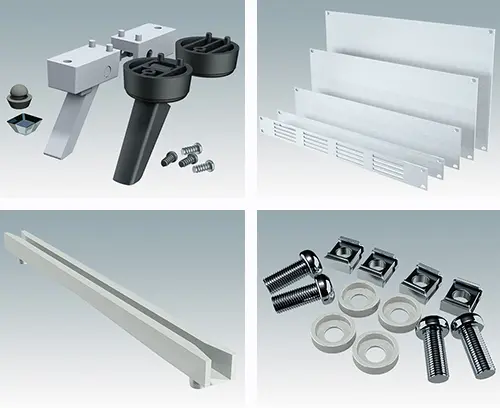













Compare our 19" rack mount cases
 In this blog we provide an easy to use camparison between each of our 19 inch rack mount enclosure ranges to help your evaluation and specification process.
Compare Standard Features:
| Range | Heights | Depths mm | Ventilated | Removable Panels |
|---|---|---|---|---|
| Combimet 19" | 1U, 2U, 3U, 4U, 5U, 6U | 265, 365, 610 | top, base (or open top) |
top, base, rear |
| Mettec 19" | 2U, 3U | 167, 267, 367 | on demand | front panel (even when in rack) |
| Unimet 19" | 2U, 3U | 280, 380 | on demand | front panel (even when in rack), rear |
| Versamet 19" | 1U | 165, 265 | on demand | base, rear |
Compare Customising Options:
| Range | Custom Height | Custom Depth | Custom Width | Ventilation | Holes/Cutouts | Digital Printing |
|---|---|---|---|---|---|---|
| Combimet 19" | Yes | Yes | Yes | Standard | Yes | Yes |
| Mettec 19" | No | Yes | Yes | Yes | Yes | Yes |
| Unimet 19" | No | Yes | Yes | Yes | Yes | Yes |
| Versamet 19" | No | Yes | Yes | Yes | Yes | Yes |
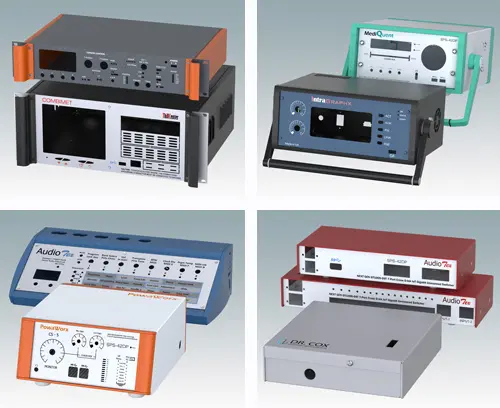
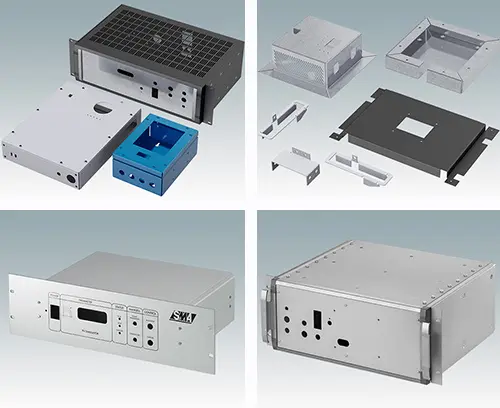
COMBIMET 19" is our newest range of rack mount enclosures. It offers you the best choice of ventilation options. Specify Combimet with any combination of vented/unvented top and vented/unvented base as standard. Or choose the open top version – also available as standard. View the COMBIMET range and watch the two videos…
METTEC 19" offers easy maintenance because you can remove the front panel – even when the case is mounted in a rack. Watch the video on the METTEC page to see how easily you can remove the rear panel and slide out the PCB.
UNIMET 19" also features a removable front panel (again, even when the case is already rack mounted) but – unlike METTEC – the PCB is pillar mounted directly on the base. The top and sides are a single piece U-section. Watch the video on the UNIMET page to see an exploded view.
VERSAMET 19" has no visible assembly screws on the front. Access is by removing first the rear panel then the base – revealing the hidden fixing screws that hold the front panel in place. Watch the video on the VERSAMET page to see an exploded view.
Next Step...
- Get A Quote
- specify your preferred model
- specify a product from that range
- click the ‘Add to my list’ button with the basket icon
- tick the tickbox marked ‘Please send me a written quotation…’ - Get Drawings
- register for 3D models by specifying your preferred model
- specify a product from that range
- choose a 3D model in your preferred format (stp, sat or x_t)
- then either log in (existing registered user) or click the link on that page to reveal a pop-up box outlining the simple four-step registration procedure. - Contact Us – complete the online contact form. Email us with your requirements. You can attach documents (maximum 10MB).
- Need more help? Contact our sales team for expert technical advice – ask them about our customising services.